Follow the Brownsville Plan Without Losing the Thread
Track the Brownsville Plan, budget requests and public meetings through the agencies that publish decisions—not summaries stripped of dates and status.
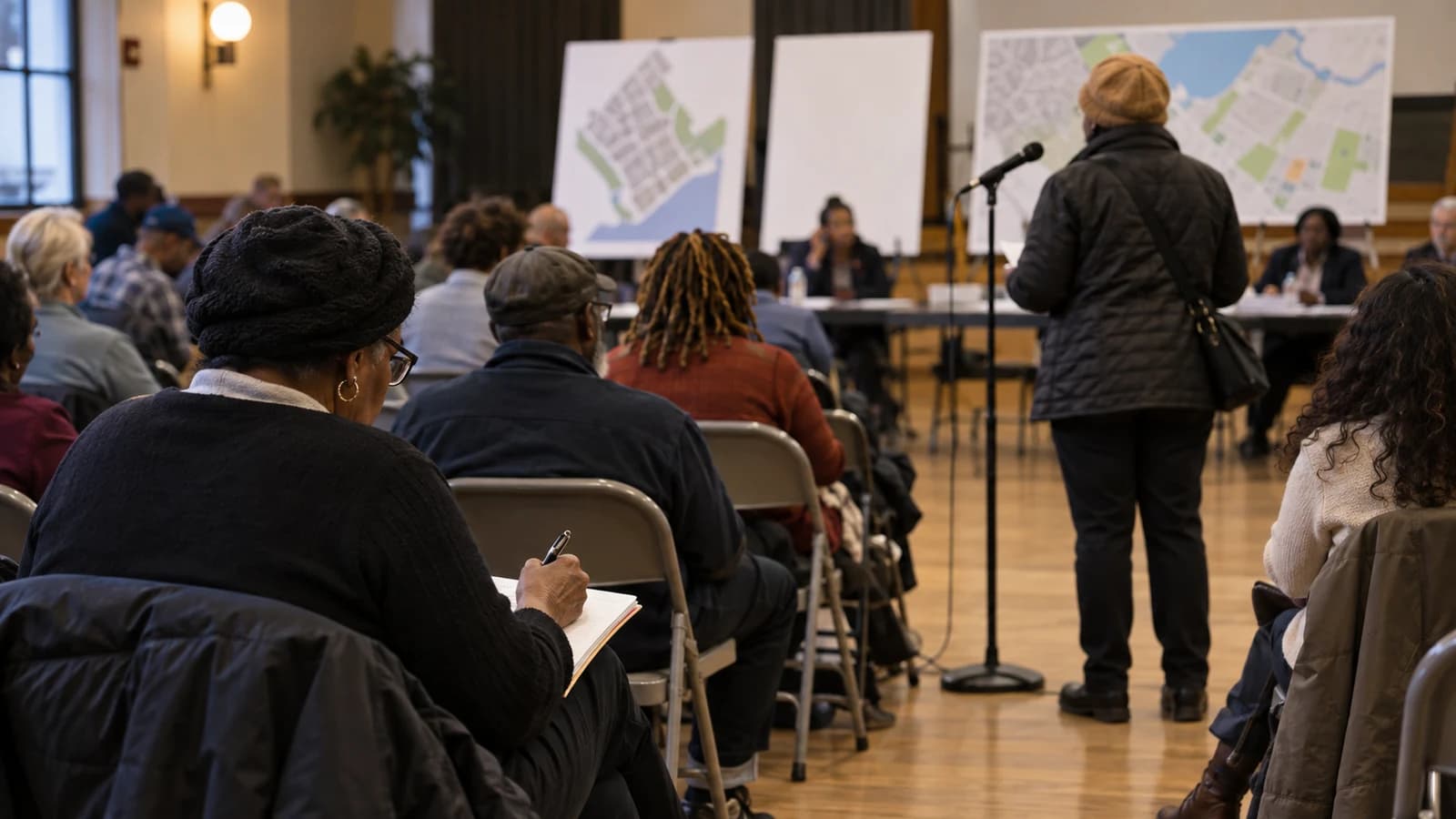
To follow a Brownsville public project, identify the decision-maker, the current phase and the next document or meeting that can change the outcome. The Brownsville Plan is a useful starting framework, but it is not a live promise that every proposal is complete. Pair the NYC Housing Preservation and Development plan page with Brooklyn Community Board 16 agendas, minutes and district-needs materials.
Separate the plan from the project
HPD describes the Brownsville Plan as a community-driven strategy covering housing, public space, health, economic development and culture. Its page also links plan documents and updates. Those materials explain goals and announced investments; each construction site, procurement, land-use action or program can still have its own agency, schedule, funding and approval path.
Write down the project name and address exactly as the agency uses them. Then record the lead agency, announced phase, most recent dated update and next public action. Avoid blending two nearby developments because they share a policy goal or appeared in the same presentation.
Use Community Board 16 as an index
Community Board 16 serves Brownsville and Ocean Hill. The board explains that it reviews land-use matters, city budgets, service delivery and capital projects, and provides a public forum. Its announcements and meeting materials can reveal hearings, agency presentations and opportunities to comment. The board is advisory in many processes, so a board discussion should not be described as final city approval.
Before attending, confirm the date, location or virtual link and the procedure for speaking. Read the agenda and any linked application first. A short question tied to a specific document, deadline or responsible agency is easier to answer than a general request for a project update.
Read budget requests carefully
The district-needs statement records priorities and budget requests; it is evidence of what the board asked for, not proof that funding was awarded. Agency responses may approve, reject, defer or request more information. Keep the request year attached because city fiscal-year documents are easy to confuse with calendar-year schedules.
For housing or development, also check HPD and the City Planning process where relevant. For parks, streets, libraries or transportation, follow the operating agency. A meeting presentation can age quickly; a later contract, permit, budget document or agency update should take precedence.
Keep a small public record
Maintain a simple tracker with source URL, publication date, project phase, next milestone and unanswered question. Save the original document title instead of a screenshot without context. If a schedule changes, preserve the earlier date as history and add the new source rather than silently replacing it.
When several agencies appear in one update, assign each claim to the agency that actually controls it. A housing agency presentation cannot confirm a transit completion date, and a community-board agenda cannot establish that a capital allocation has been spent. Send a concise follow-up to the named agency and add its dated response to the tracker. If no current answer is available, label the status unresolved instead of turning an announced goal into a deadline.
This explainer was verified September 26, 2026. Meeting dates, officials, funding, scopes and construction schedules remain mutable. The BK Brief will describe a project as proposed, funded, approved, under construction or complete only when the cited record supports that status.